Overview: LineXinBar, the XMB-style console desktop for Linux
 A console-style desktop
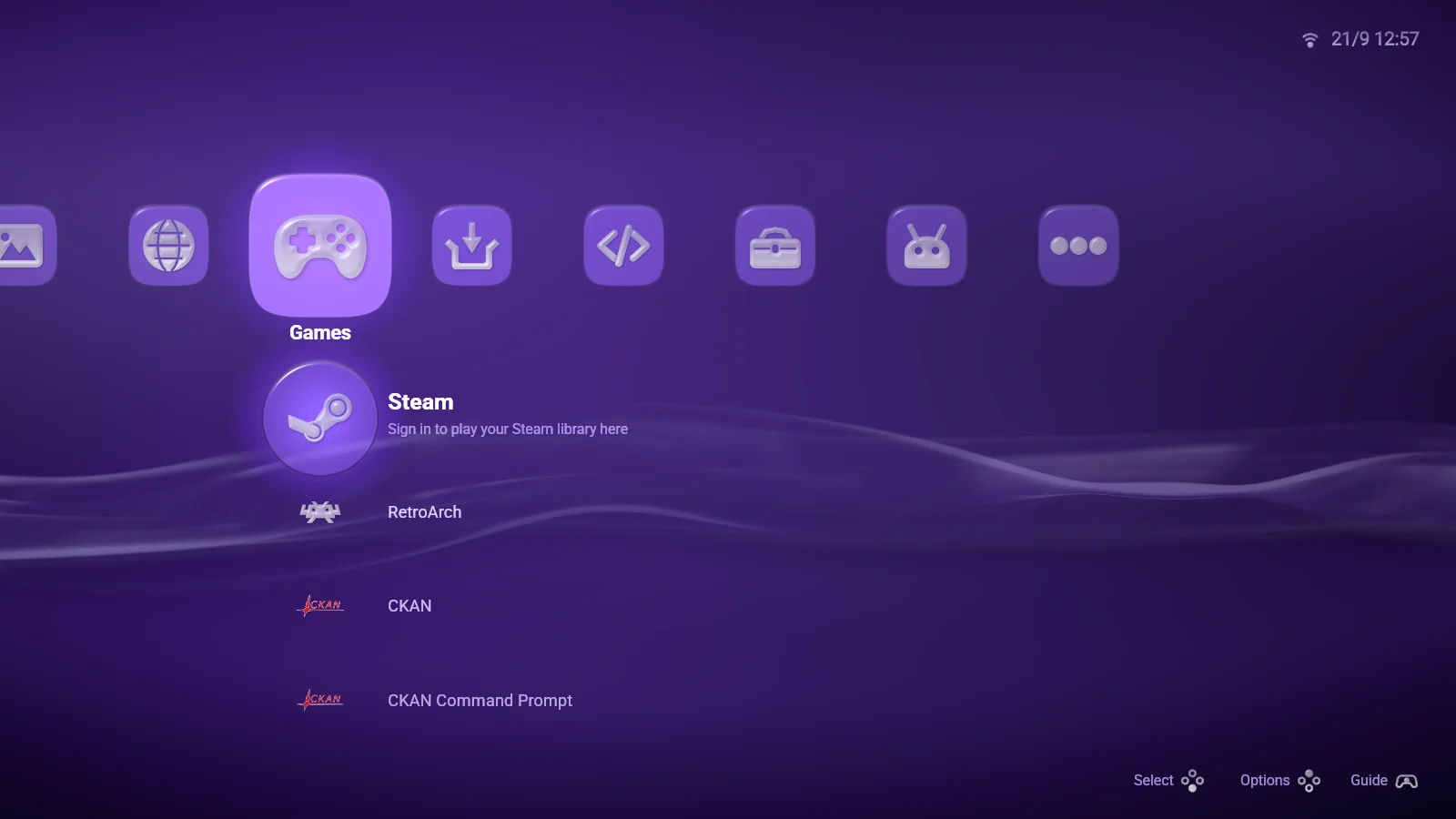
LineXinBar is a console-style Linux desktop for your games, apps and media. It pairs a lightweight Wayland compositor with a launcher you drive with a gamepad, a keyboard or a mouse.
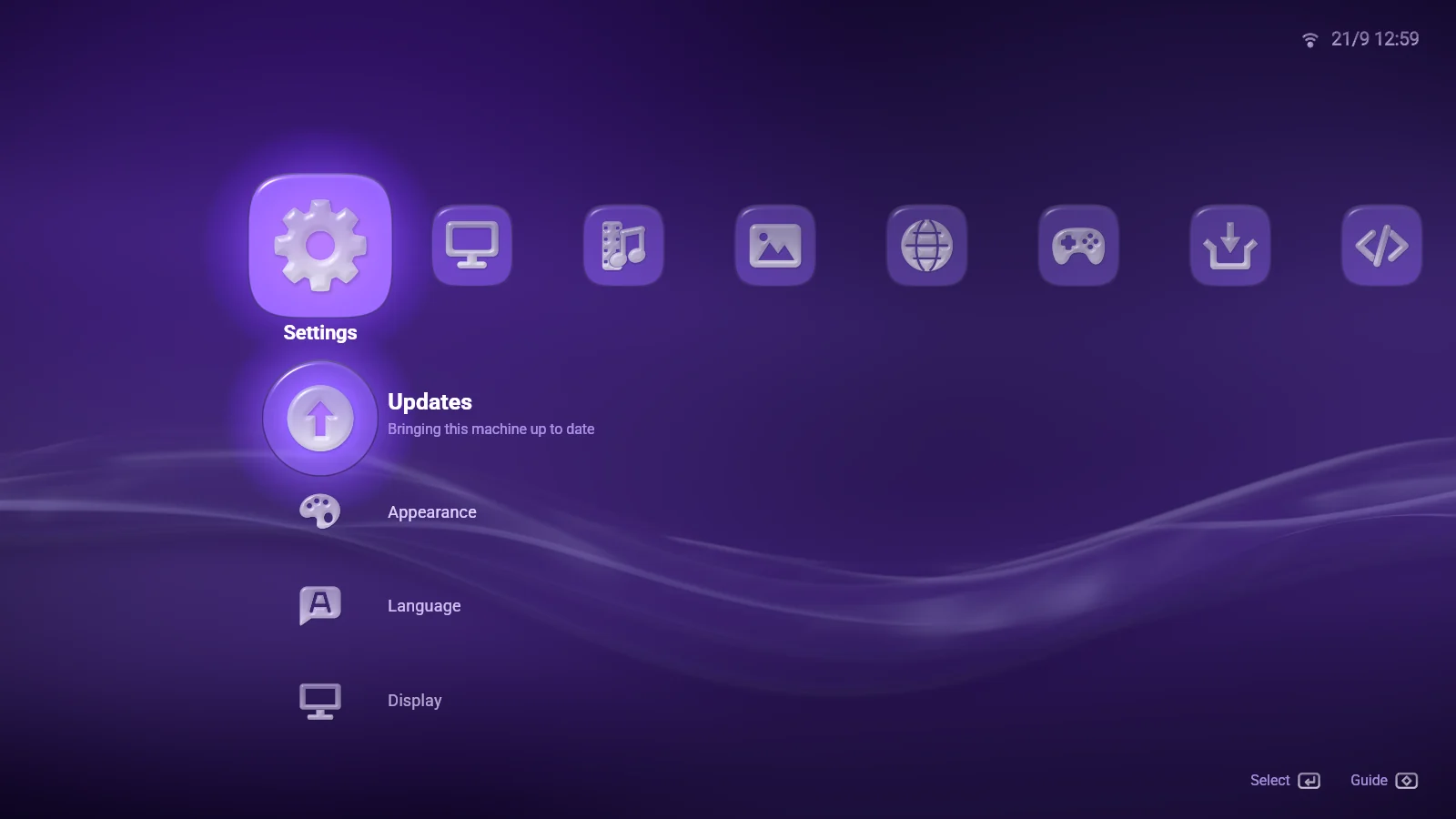
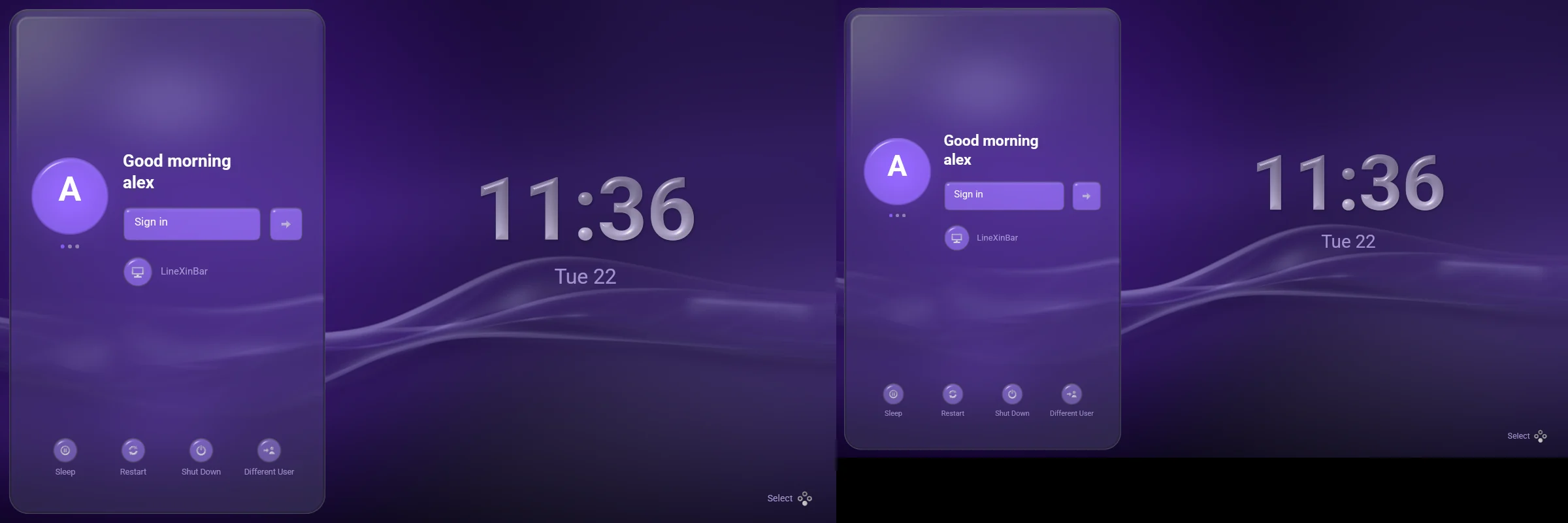
Browse your library, open ordinary desktop applications and switch between screens from one interface in the manner of the PlayStation 3's XrossMediaBar (XMB) — a bar of categories across the screen, a column of what is in each one, and a guide one button away over anything that is running. It is the whole session, not an app on top of another desktop: the file manager, the settings, the password prompts and the update screen are all part of it, all reachable from the sofa.
 Why LineXinBar
 A desktop from the couchApps, music, videos and pictures with a controller, and an on-screen keyboard when you need to type.
 Your games in one placeSteam, and optionally Epic Games, your own console games through RetroArch, and PlayStation 3 through RPCS3.
 Several displays, independentlyEach screen at its own resolution and refresh rate, with its own bar.
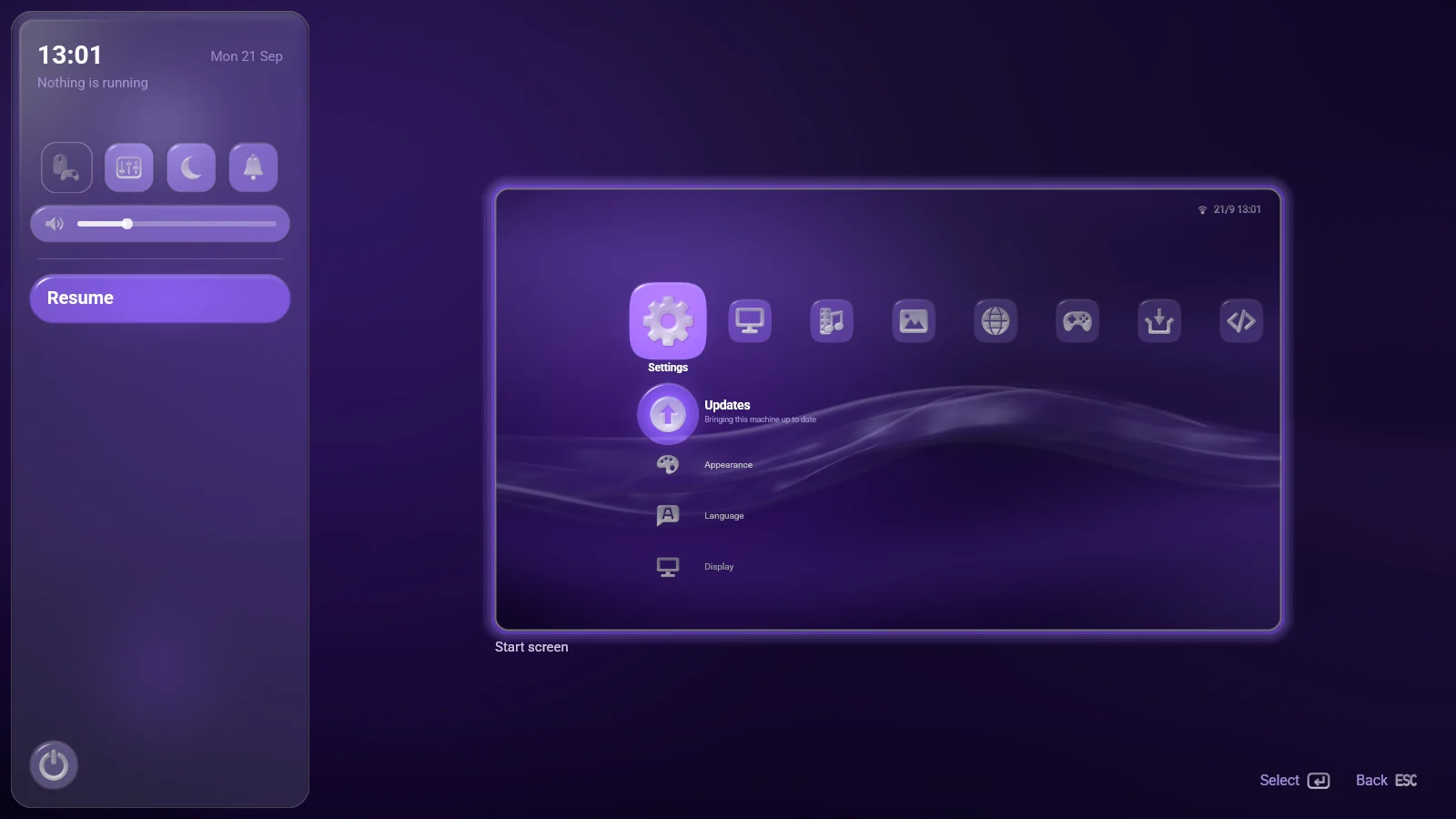
 A guide a button awaySwitch apps, change the volume and brightness, or get back to the launcher — from inside anything.
 Make it yoursTwelve accents, a wallpaper of water or silk or your own film, ten languages.
 Desktop essentials includedFiles, screenshots, screen sharing, file dialogs and system updates, alongside your apps.
 Screenshots
Captured from a nested session of the project's own release build.
Not just Gamescope
Gamescope owns one output and scales one application onto it. LineXinBar keeps the same small "one application fills the screen" model — but every connected display is a real output with its own render loop.
Displays with different resolutions and refresh rates therefore run independently, rather than being locked to a shared heartbeat, and each has a start screen of its own. It is a whole desktop session rather than a game's frame: applications, files, settings and prompts all live in it.
 Project status
LineXinBar is in early development, at version 0.9.3.
- Hardware testing has mainly covered one AMD graphics card with two displays; other vendors and multi-GPU setups need more people trying them.
- Steam games need Valve's Steam client, which runs out of sight. Epic Games, RetroArch and PlayStation 3 are optional packages.
- Sharing a single window (rather than a whole display), gesture navigation and variable refresh rate are not there yet.
Read the known limitations before relying on it as your everyday desktop — and if you try it on your hardware, say how it went.
 Source code
LineXinBar is free software under the GPL-3.0, developed in the open on GitHub.
Bug reports, hardware testing, translations and code are all welcome — see Develop for how.